JWR-FEEDS: A simple RSS reader for Android
A clean, offline-first RSS / Atom reader for Android. No accounts, no subscriptions, no cloud. Just feeds and a place to read them.
For many years I used Flym as my RSS reader on Android. It was simple, did the job, and stayed out of the way. Unfortunately it no longer seems to be under active development, and when I swapped my phone for a Pixel 10 I never bothered to migrate it across. The result was a few months without an RSS reader at all, which meant a few months of slowly losing touch with the news and the various tech / hobby feeds I like to keep an eye on.
Eventually I missed it enough to do something about it. I went looking for a replacement, but every option seemed to be either visually not to my taste, or far more involved than I wanted. A lot of them also want a subscription or an up-front purchase these days, which feels like a strange thing to ask for what is, at heart, a list of headlines that someone else’s server already generated for free. An RSS reader should just read RSS.
So I made my own.
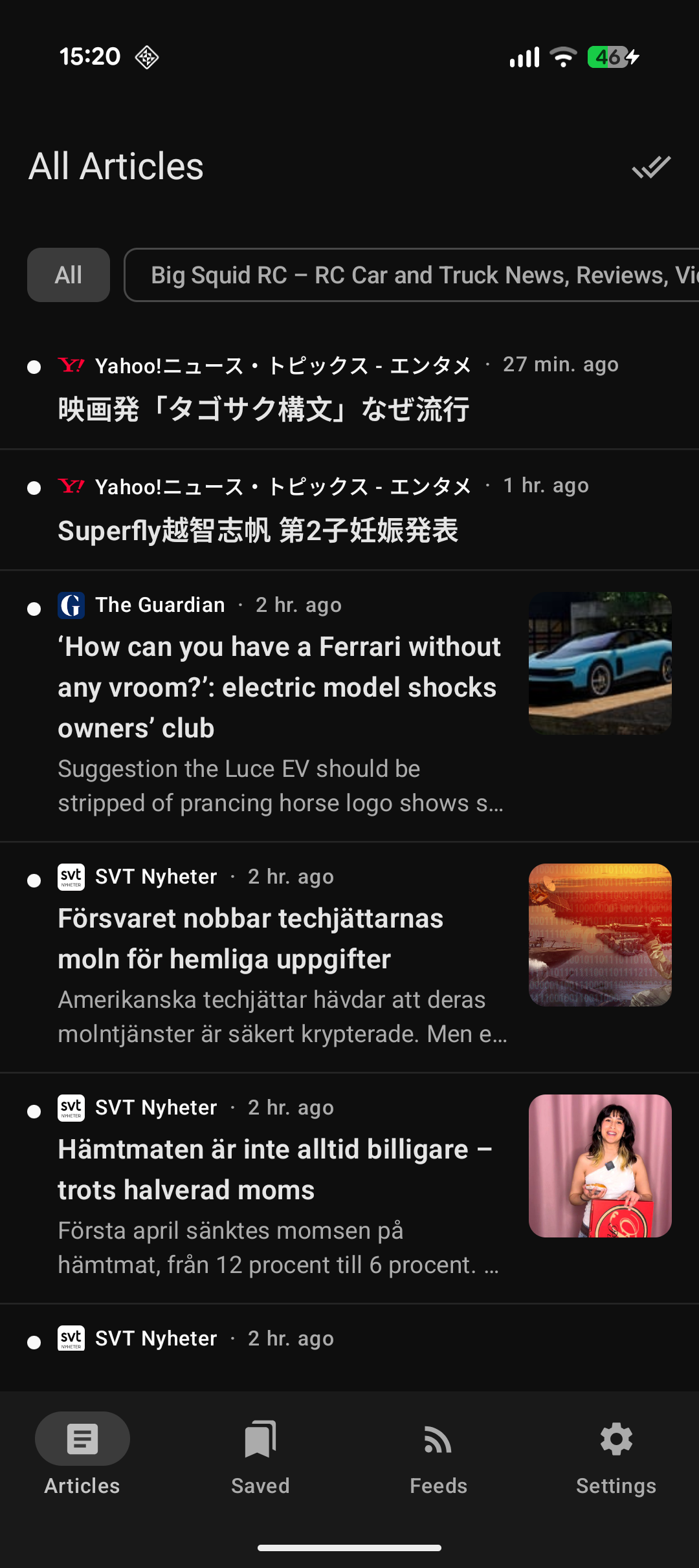
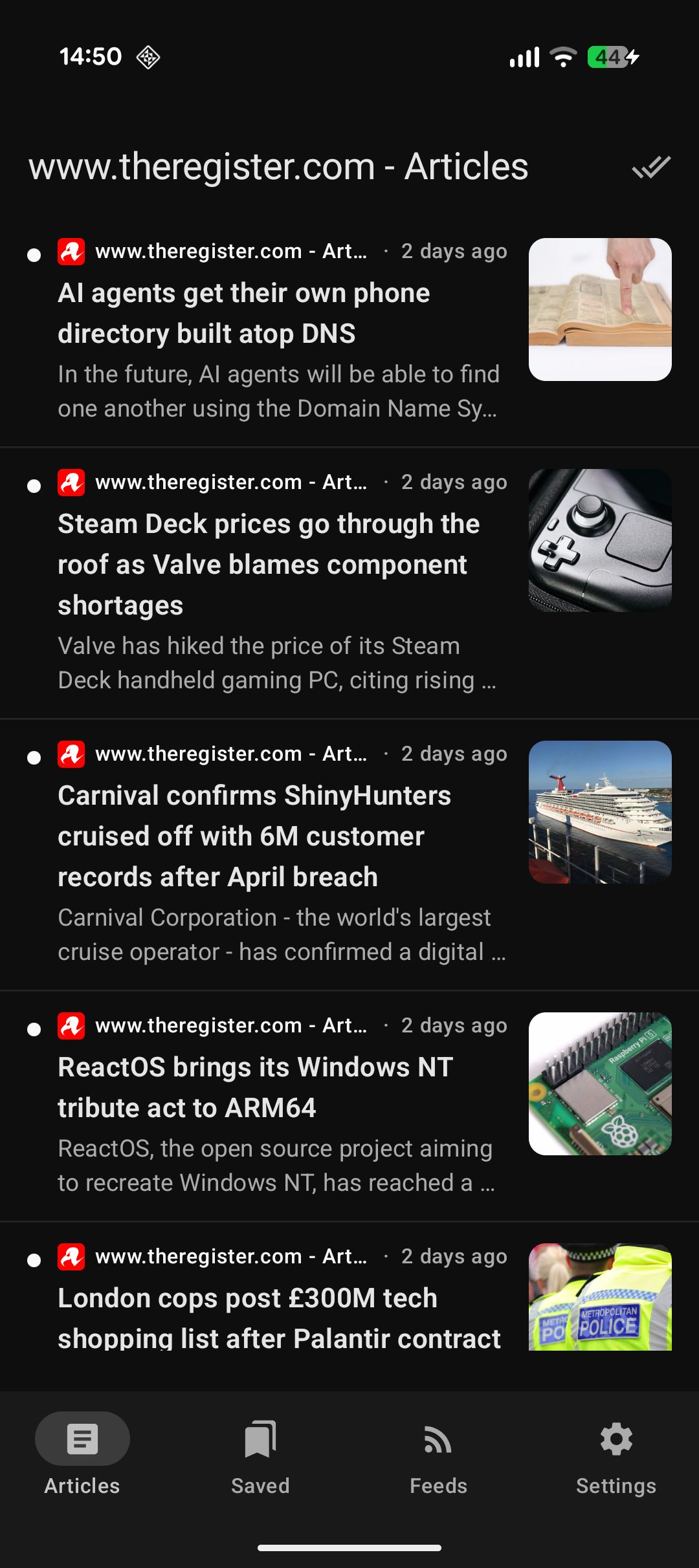
Left: the unified inbox, every feed in one list, newest first, with thumbnails and unread dots. Right: filtered down to a single feed (The Register, in this case).
Vibe-coding the thing
I didn’t hand-write much of this. The workflow was roughly:
- Scope it out with Claude chat. Before touching any code I had a back-and-forth to nail down what the app actually needed to do, and just as importantly what it didn’t. Keeping the feature list short was half the point.
- Have Claude write the Cursor prompt. Once the scope was settled, I asked Claude to turn it into a proper prompt for Cursor to work from.
- Bootstrap the project in Android Studio. I used Android Studio to lay down the foundation of a Kotlin app, so the Gradle setup, manifest, and project structure were all sane from the start.
- Let Cursor build the app. From there Cursor did the bulk of the actual development against that foundation.
It’s a nice division of labour: Claude for thinking through the design, Android Studio for the scaffolding, and Cursor for the grind of writing the Compose screens, Room database, feed parsing, and so on.
What it does
The app is deliberately basic and to the point. This puts the content in focus and not the app. A design choice Microsoft has completely missed in every OS release after Windows XP. It has a clean Material 3 interface and a decent spread of features. Everything is stored locally, there’s no backend, no account, and nothing to pay for.
Adding feeds
You can paste a feed URL directly, or just paste a site’s root domain and let the app go hunting. It scans the page for <link rel="alternate" type="application/rss+xml"> tags, and if that comes up empty it falls back to the usual suspects (/feed, /rss, /rss.xml, /atom.xml, and friends). Anything it finds is presented for confirmation before being added, so you’re never guessing whether it worked.
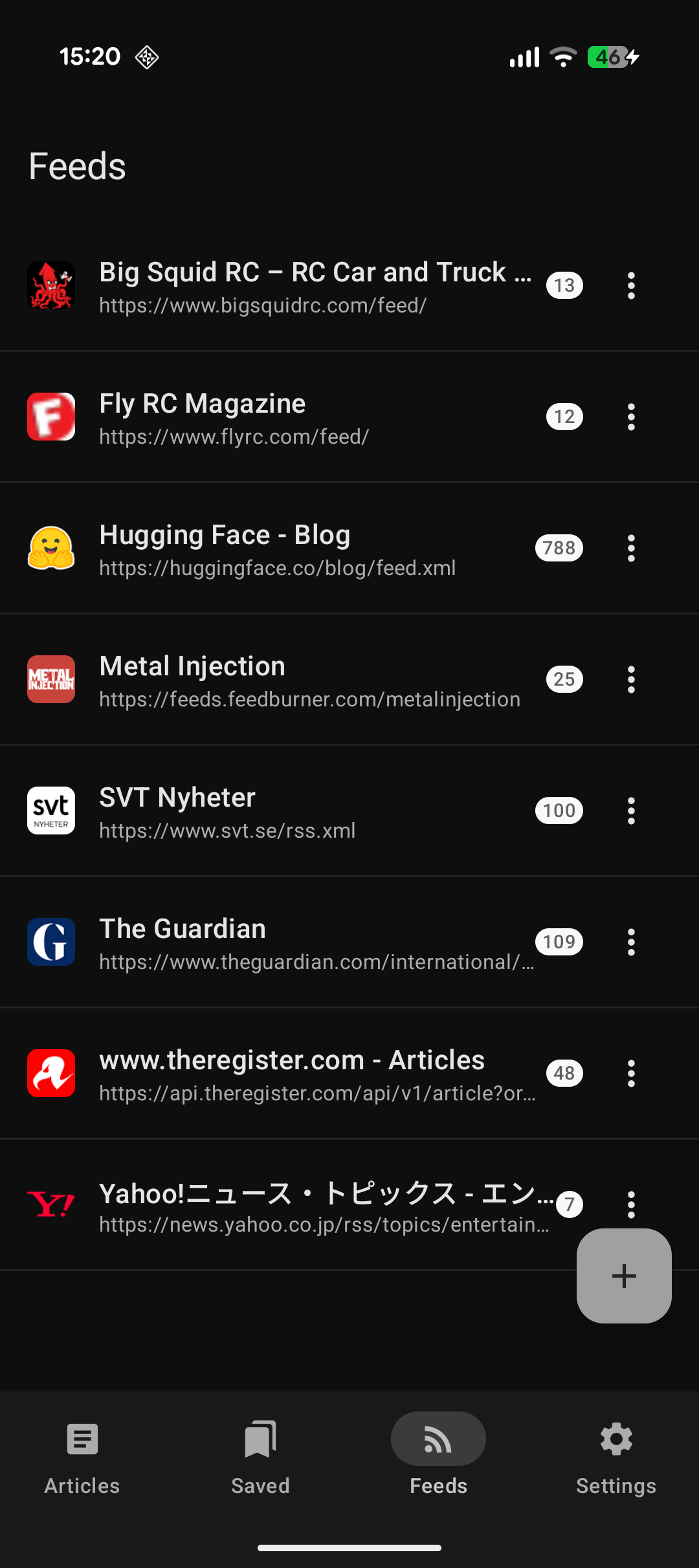 Subscriptions list with favicons, titles, and per-feed unread counts.
Reading
The default view is a unified inbox across every feed, sorted newest first, with filter chips to narrow down to a single source. Each item shows a thumbnail (pulled from media:thumbnail, an <enclosure>, an inline <img>, or an og:image fallback, in that order), the title, the feed name, the date, and a read/unread indicator.
Tapping an article opens an in-app reader with two modes. Summary renders whatever the feed itself provides in its description or content:encoded. Full goes and fetches the original page and runs a Readability-style extractor over it to pull out a clean article body, which is handy for those feeds that only ever give you the first sentence and a “read more” link. A hero image sits up top and scrolls along with the text.
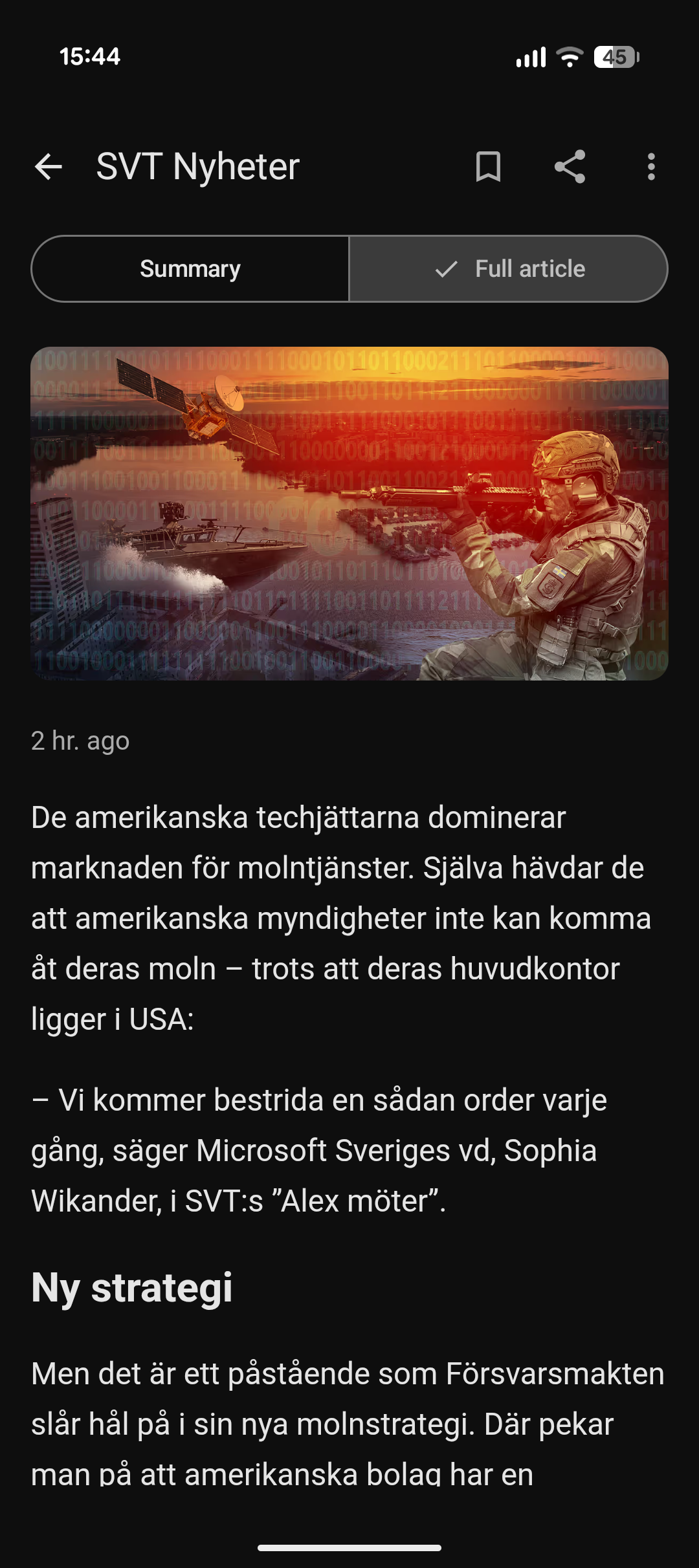 The reader view, with the Summary / Full article toggle up top and a hero image above the body.
Bookmarks
Anything worth coming back to can be bookmarked, and there’s a dedicated Saved tab to find it again later. Articles auto-mark as read when you open them, but you can flip that back, share, or open the original in a browser.
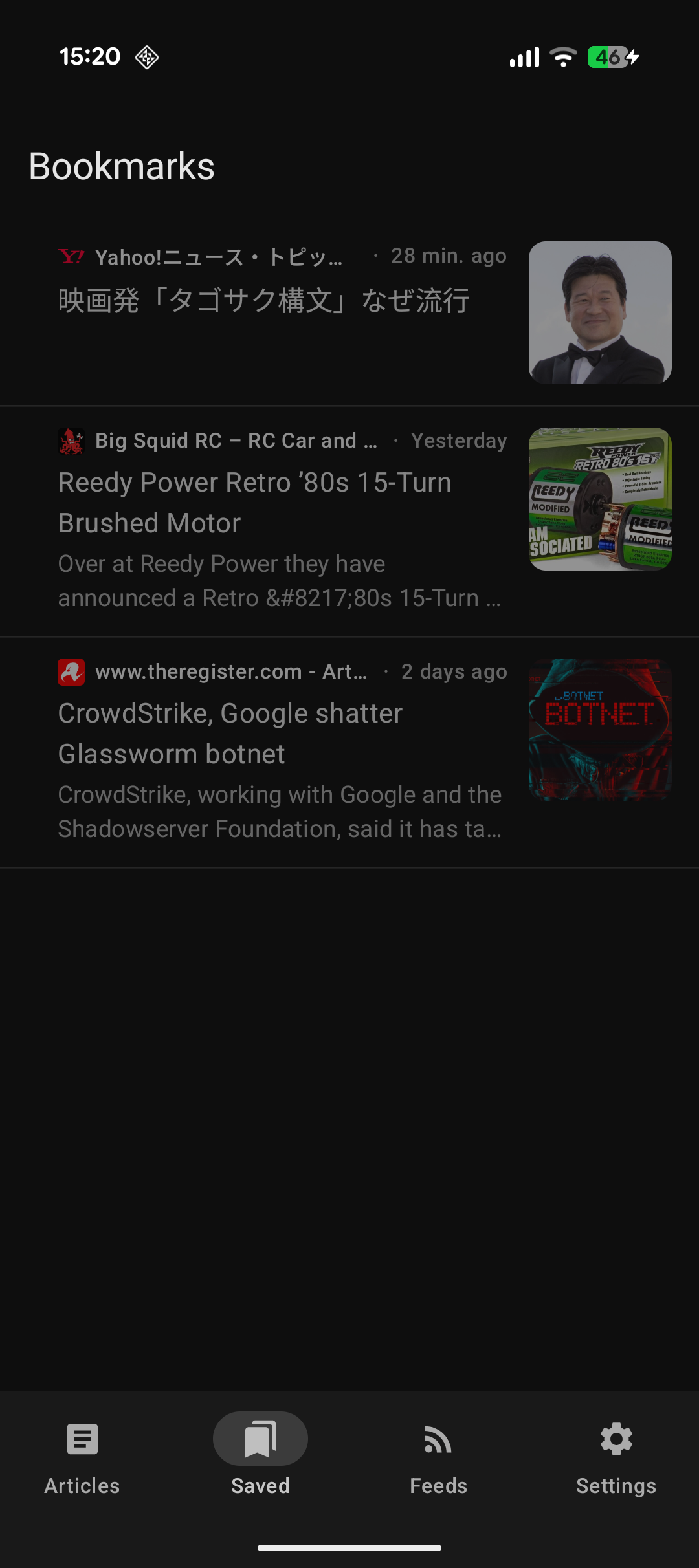 The Saved tab. A place for the articles you actually want to keep.
Filtering and settings
This is the feature I personally wanted most. There’s a keyword filter that hides any article whose title or body contains a blocked word (case-insensitive). It’s a wonderfully blunt instrument for keeping a particular kind of noise or garbage out of your feed. The settings screen also lets you set a background refresh interval (manual, 1h, 3h, or 6h via WorkManager), show only unread articles, and choose whether articles open in Full mode by default.
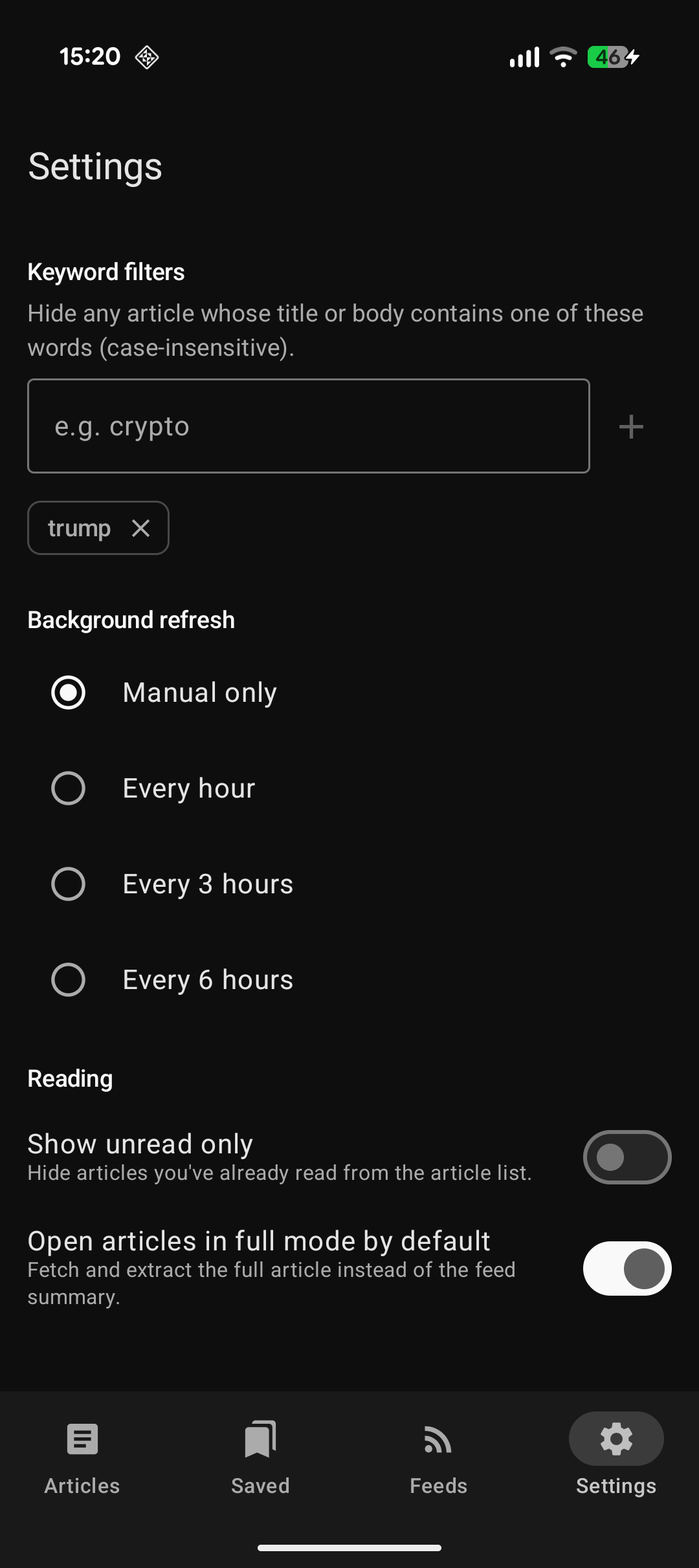 Keyword filters, background refresh interval, and reading preferences.
Tech in short
Nothing exotic, just sensible modern Android building blocks:
- UI – Jetpack Compose with Material 3 and Navigation Compose.
- Local storage – Room (the only place your data lives).
- Networking – OkHttp with Kotlin coroutines.
- Feed parsing – Rome.
- Content extraction – readability4j + jsoup for Full mode.
- Images – Coil.
- Background work – WorkManager.
- Settings – DataStore.
It’s a single-module app following a light MVVM + repository layering. minSdk is 26, and it targets API 36. The README has the full architecture breakdown and a few toolchain notes for the AGP 9.x / built-in Kotlin combination, in case you want to build it yourself.
Get it / build it
It’s all on GitHub under the MIT license:
1
2
3
4
5
6
# Build a debug APK
./gradlew :app:assembleDebug

# Install & launch on a connected device
adb install -r app/build/outputs/apk/debug/app-debug.apk
adb shell am start -n com.example.jwr_feeds/.MainActivity
It’s not trying to be the most feature-packed RSS reader out there. It’s trying to be a clean, local, no-nonsense one that I actually enjoy opening every morning. If that’s the kind of thing you’ve been missing too, give it a go.