Make cheap security cams great again (MCSCGA)
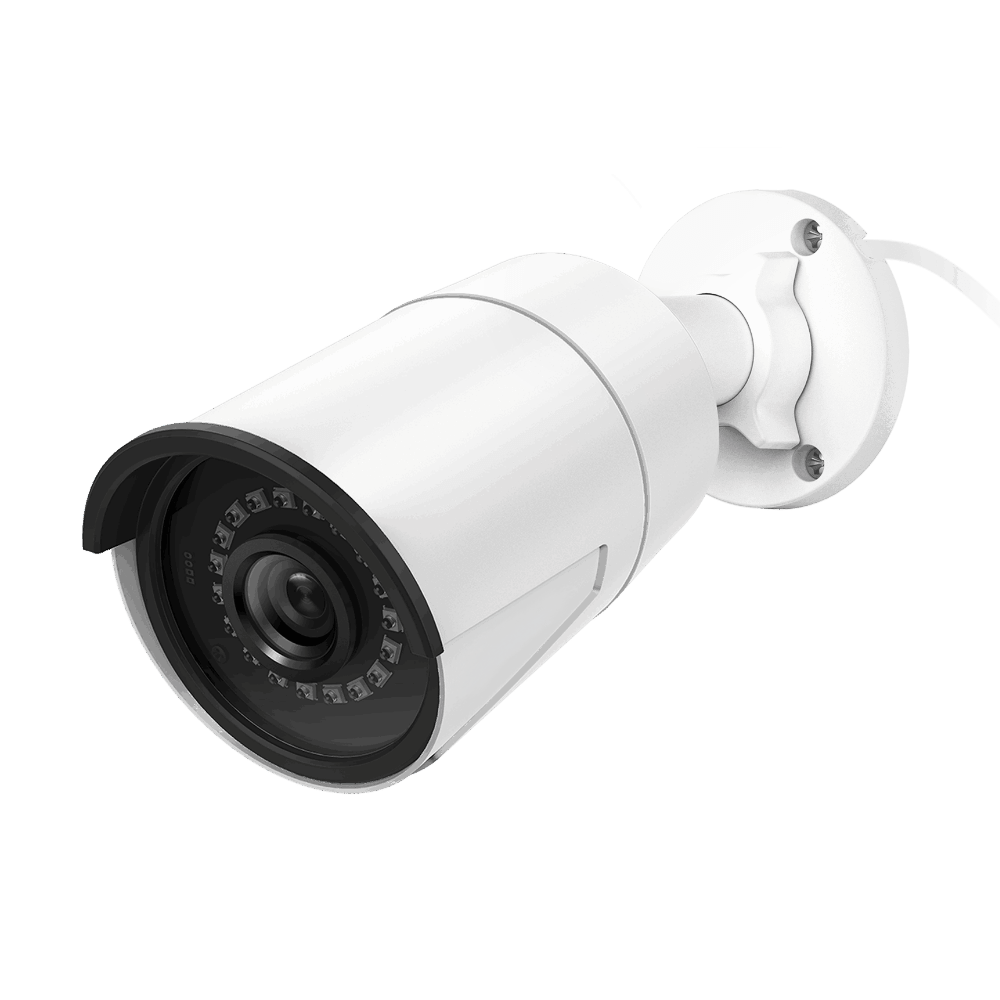
A while back I got a few really cheap Reolink security cameras. I figured I could build a system around them as long as they had the foundational functionality required:
- No subscriptions
- No cloud logins
- RTSP support
- Automated trigger on finding people, cars, animals, etc.
- PoE for easy installation and cabling.
The RLC-510A fulfilled all those criteria and was dirt-cheap. Perfection.
The system built around it now have the cameras capture anything interesting and send it to a local server over FTP. The central server (which is an old laptop with broken screen), ingests and stores everything and has a web UI to watch live snapshots, browse and re-play recordings and timelapses, etc. For the front door we get a push notification when a delivery appears with a picture of the box. No cloud NVR, no subscription fees, not wonky “cloud system” which will be hacked and steal your data. This post introduces the whole system and the UI, then zooms in on the delivery detector.
What the system does
The cameras (Reolink) are configured to upload clips via FTP on motion or person detection. A small ingest service on the server watches the FTP drop folders and, once a file is stable (no longer being written), moves it into a single tree: /IPCAM/recordings/<camera>/YYYY/MM/DD/. So all recordings live in one place, by camera and date.
A FastAPI web app serves a dashboard and all the browse/play views. It’s built for same-tab, kiosk-friendly use (e.g. on a wall tablet): live view, recordings, timelapses, and delivery notifications all stay in one window, with breadcrumbs and a back button. There’s a light/dark theme toggle for those of us who like to burn our retinas out with white backgrounds. The layout is responsive so you can use it on a phone or a big screen.
Bonus extras: a classifier (YOLO) runs on new recordings and writes thumbnails + detection tags (person, car, etc.) so you can “Find by detection” in the recordings view. A timelapse service grabs a frame every few minutes from a lower-res stream (e.g. 06:00–20:00) and stitches each day into one MP4. And the delivery detector watches a rectangle on the front-door camera and pings you when something (e.g. a box) appears and stays there. It’s not super accurate and tends to think there are toilets EVERYWHERE, but it does the job pretty well otherwise.
Web UI: dashboard and live view
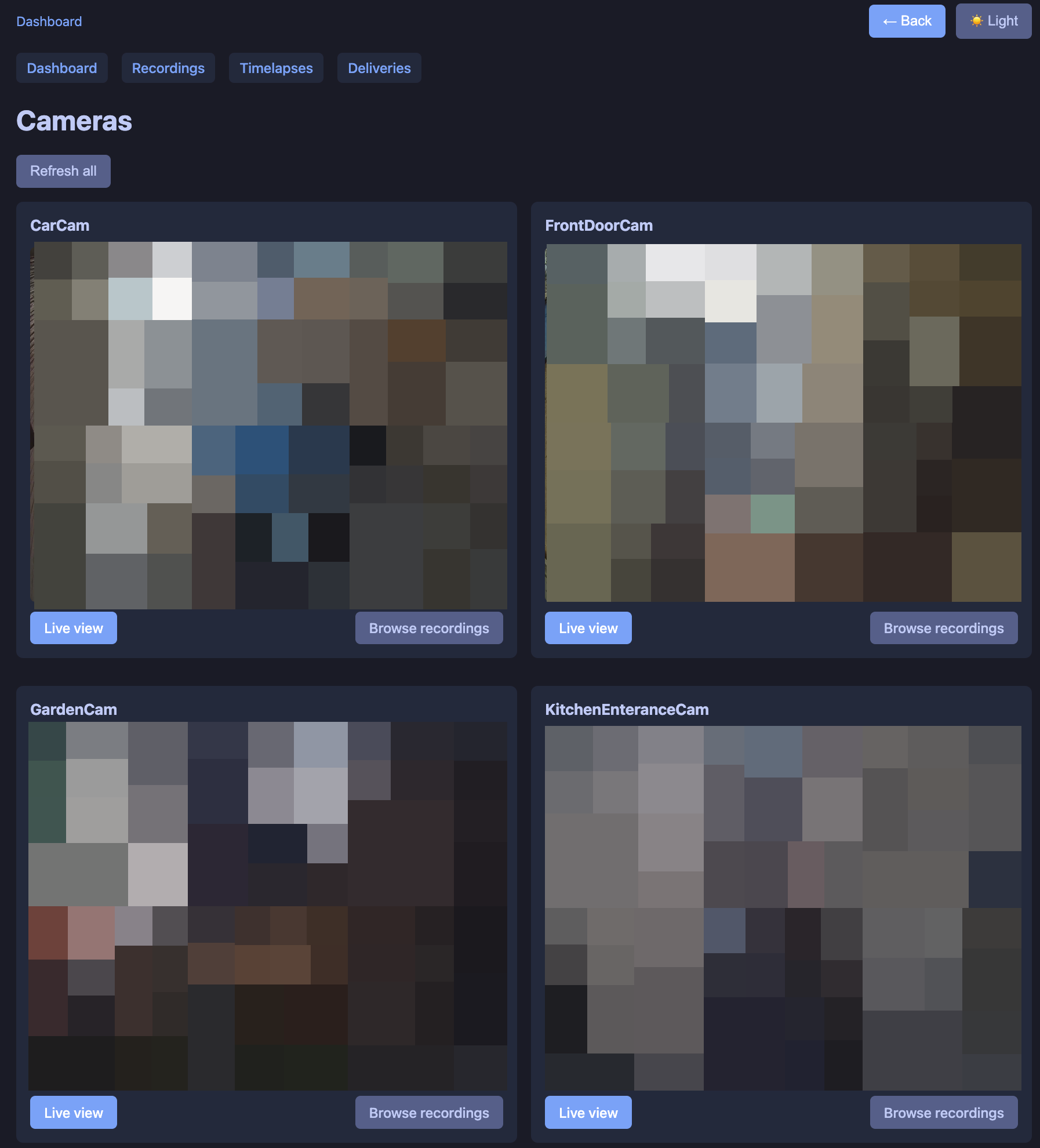
The dashboard is the home screen: a grid of live snapshots (one per camera), each clickable. Clicking a camera opens a live view page that keeps refreshing the snapshot so you get a simple “live” feed. A “Refresh all” button on the dashboard reloads all snapshot images. Navigation at the top: Dashboard, Recordings, Timelapses, Deliveries.
Web UI: recordings
Recordings lets you browse by camera and date. You first choose a camera, then a date (listed newest first). For that day you get a list of clips with a thumbnail (from the classifier when available) and a Play button. Play opens an inline video player in the same tab, with Previous / Next to move through the same day’s clips. You can also open a thumbnail-only view (full-page still with Prev/Next and a “Play video” button)—handy for a quick scan.
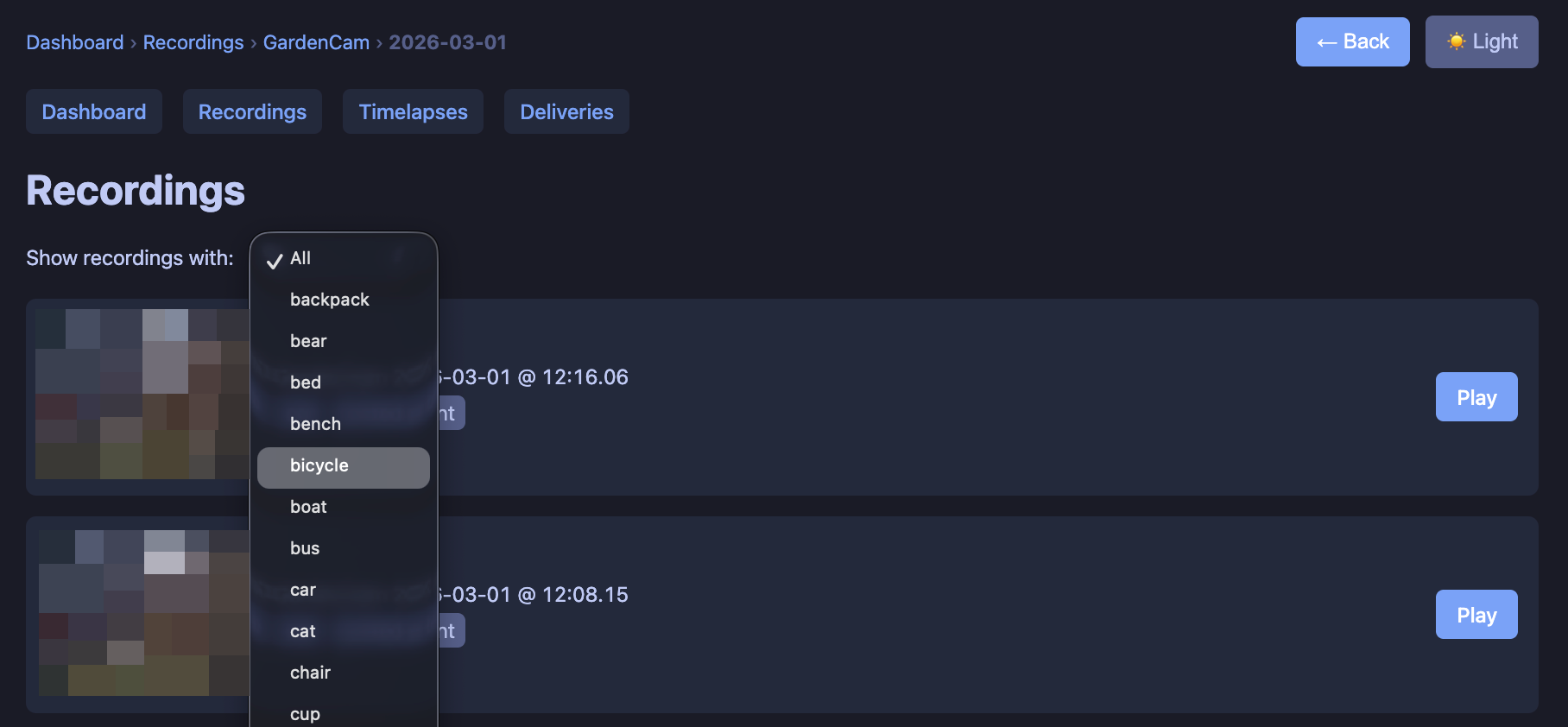
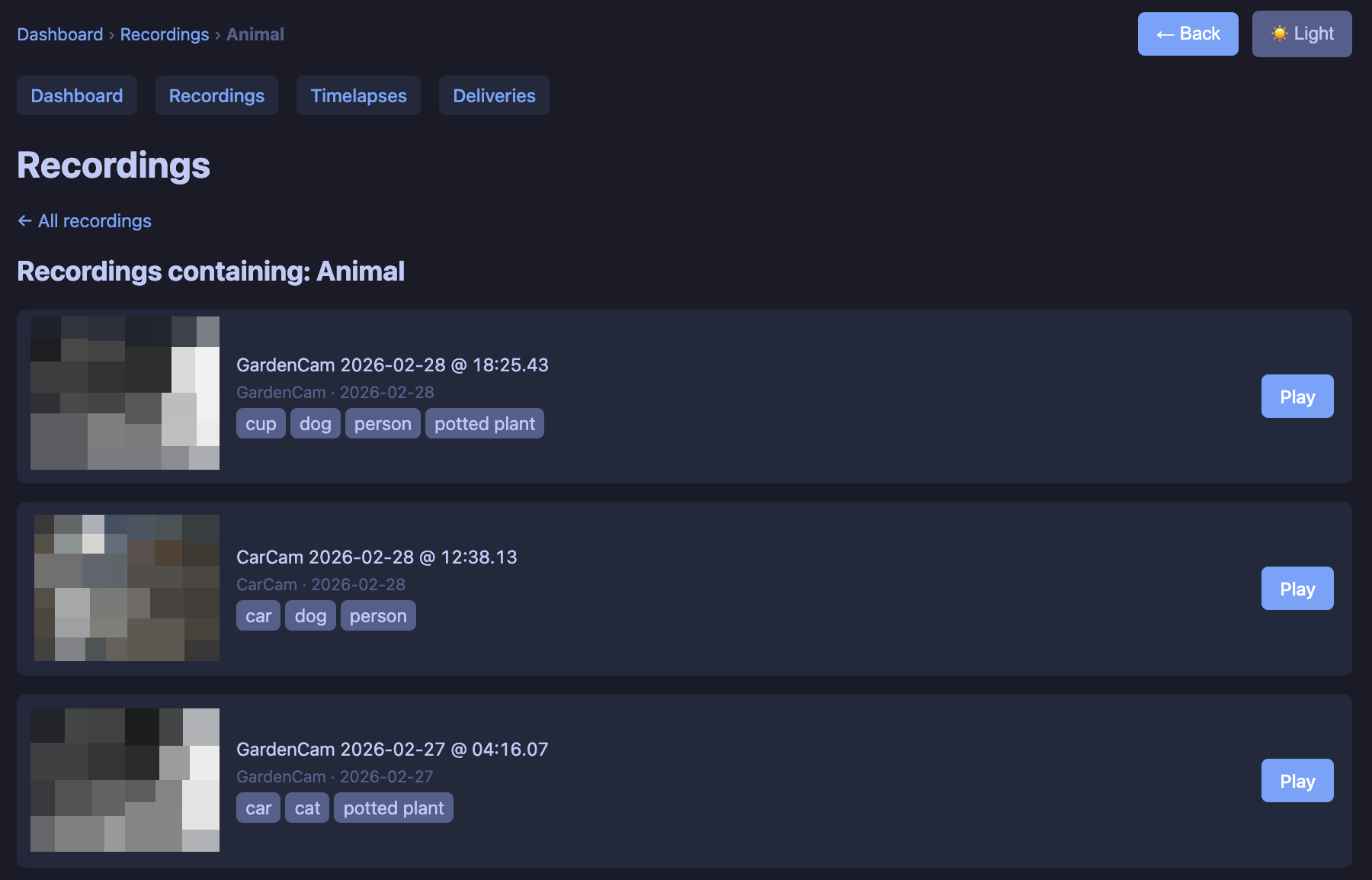
If the classifier is running, you get a “Find by detection” section: quick filters like Person, Animal, Car, or “Any label” from a dropdown. That view lists recordings across all cameras and dates that contain the chosen label(s), with tags per clip. Same thumbnail + Play flow.
Web UI: timelapses
Timelapses works like recordings: pick a camera, then you get a list of dates that have a stitched timelapse (one MP4 per day). Each row has a thumbnail (first frame of that day’s timelapse) and a Play button. Play uses the same inline player and Prev/Next by date. The timelapse service writes files under /IPCAM/timelapse/<camera>/YYYY-MM-DD.mp4 (and a .jpg thumbnail) so the web just lists what’s there.
Web UI: deliveries
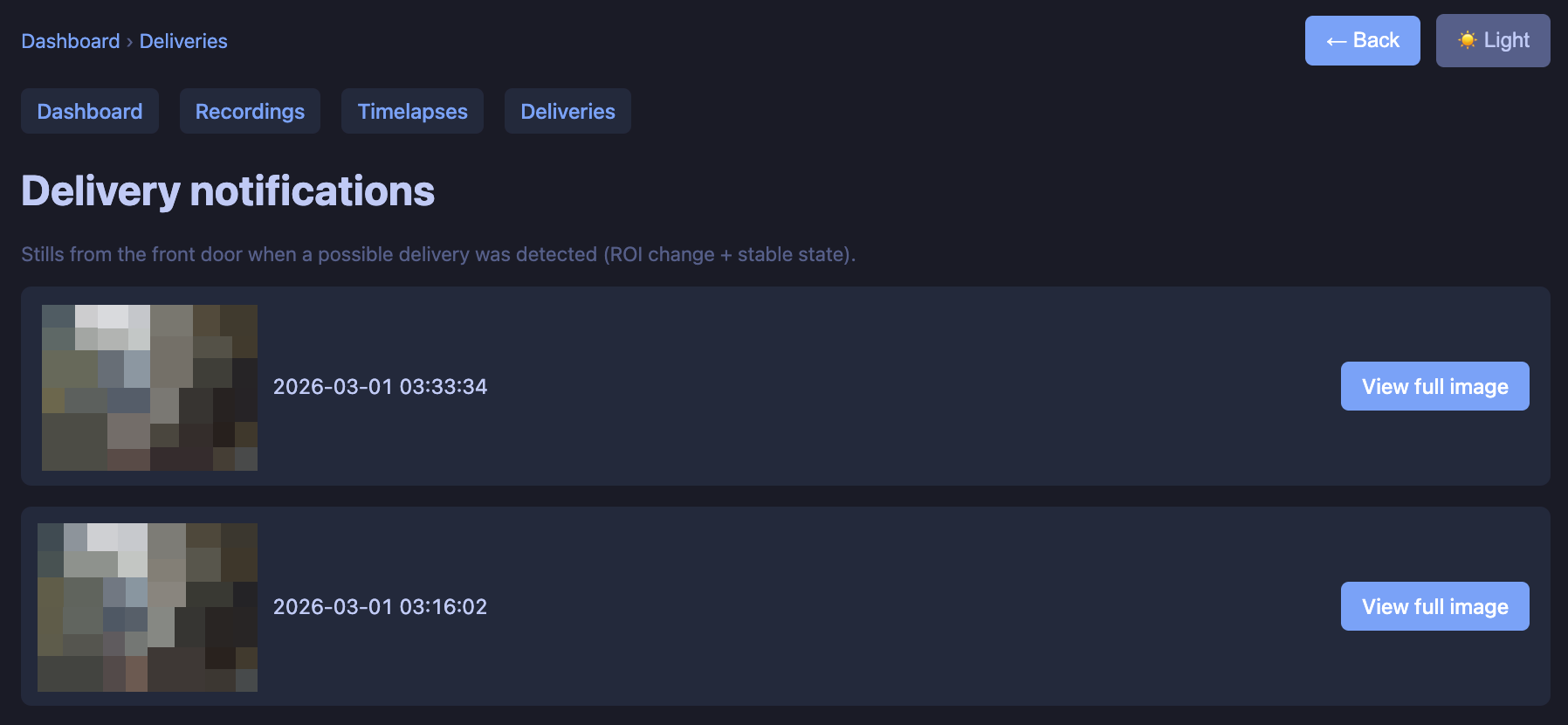
The Deliveries page lists delivery notifications: each time the delivery detector fired, we store a still and show it here. Newest first, with a thumbnail and “View full image.” So even if you miss the ntfy push, you have a log in the UI. Clicking opens the full image in the same tab (breadcrumb, Back).
Delivery detector
One camera is designated as the front door (e.g. FrontDoorCam). The detector watches a rectangle (ROI) in the frame—the “step” area where packages get left. It doesn’t notify on the first change; it waits until the scene stays in a new state (so people walking by or the door opening don’t trigger it).
- Two references – We keep a “current” reference and an “empty step” reference. Diff vs current = “something changed”; diff of the new state vs empty = “delivery” (notify) vs “pickup” (no notification, just update refs).
- Stable-state logic – When the ROI diff crosses a threshold, we collect several stills over a short window. If those stills are similar to each other and clearly different from the reference, that’s a new stable state. Then we check: does it look like “empty” (pickup) or “something on the step” (delivery → notify). So: one notification per delivery (including a second box), no notification when you take the boxes away.
- Idle refresh – After the scene has been stable for a while (e.g. 20 minutes), we gently update the reference(s) so dawn/dusk or lighting changes don’t cause false “change detected” later.
Sensitivity is tunable (change threshold, “stable” threshold, “empty” threshold) so smaller or same-colour-as-tiles boxes still trigger.
Notifications and image (ntfy + S3)
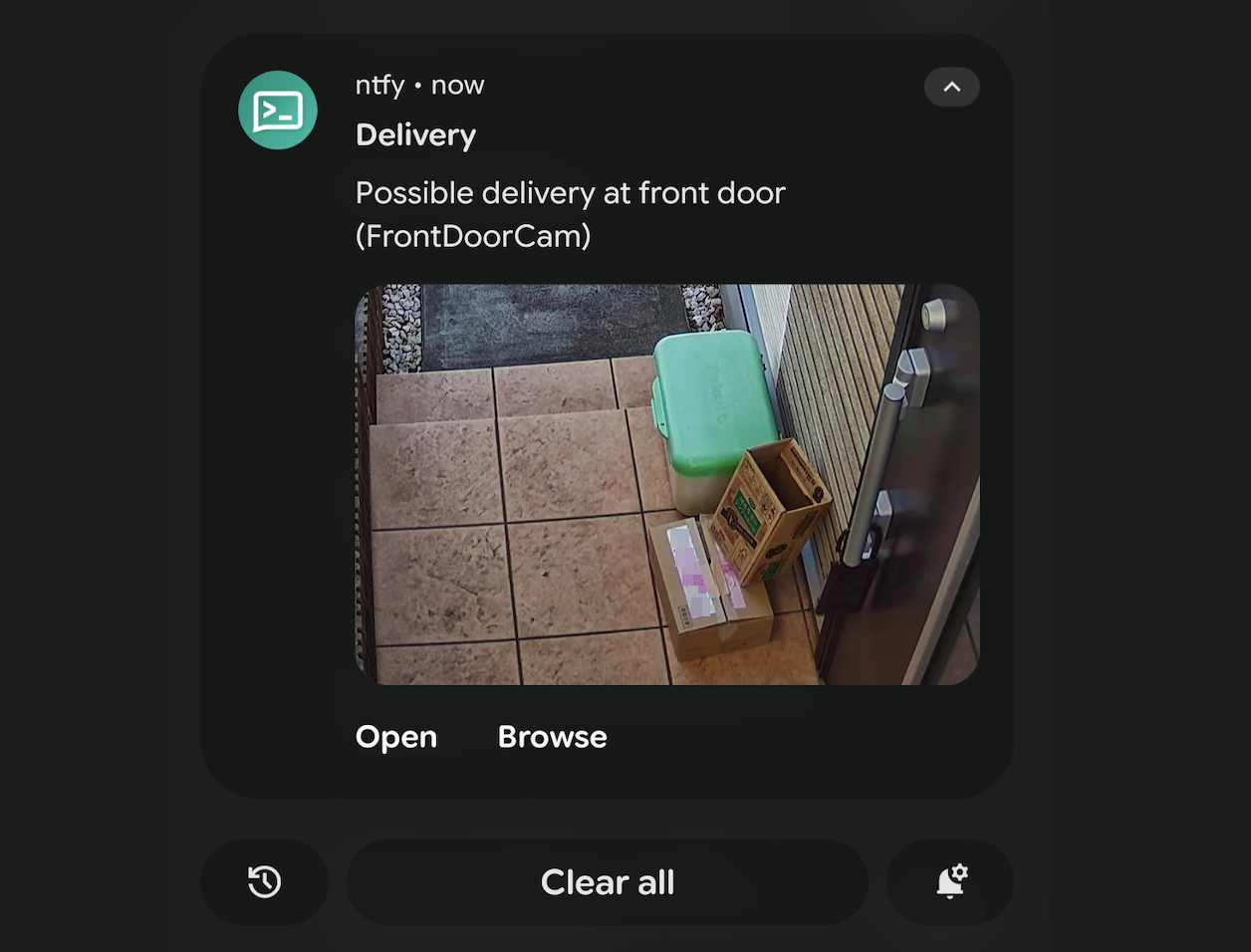
We wanted a push to our phones without a cloud NVR or subscription. ntfy does that with a basic pub-sub system. You subscribe to a topic (e.g. in the ntfy app), and the detector POSTs to that topic when it fires. The message includes a title and body; we also attach an image so you see the step (and the box) in the notification.
To keep the bucket private and still show an image, we upload the frame to S3 and attach a presigned URL (e.g. 12h) to the ntfy message. ntfy fetches that URL and shows the image. We crop the image before upload (another rectangle in the frame) so the notification shows just the step area, not the full frame.
Tech in short
- Stack – Docker Compose: FTP, ingest, web (FastAPI), object classifier (YOLO), timelapse service, delivery-detector service. Config via env; ROI and S3 crop as pixel rectangles.
These are the containers currently part of the system
1
2
3
4
5
6
7
NAMES                           STATUS          IMAGE
securitycam-classifier          Up 18 seconds   securitycams-classifier
securitycam-web                 Up 18 seconds   securitycams-web
securitycam-ingest              Up 18 seconds   securitycams-ingest
securitycam-delivery-detector   Up 18 seconds   securitycams-delivery-detector
securitycam-timelapse           Up 18 seconds   securitycams-timelapse
securitycam-ftp                 Up 18 seconds   securitycams-ftp
Publishing to GitHub with a full setup-and-deploy doc is planned; this post is to show that the system exists and what the web UI and the delivery detector do. So, if you’re looking for a simple web interface for your cheap-ass cameras, item detection and “box at the door” alert without a monthly fee, this does the trick.